
Effective date: 16 October 2026 (updated for Pro: seller Freemius, monthly and lifetime licences, price list)
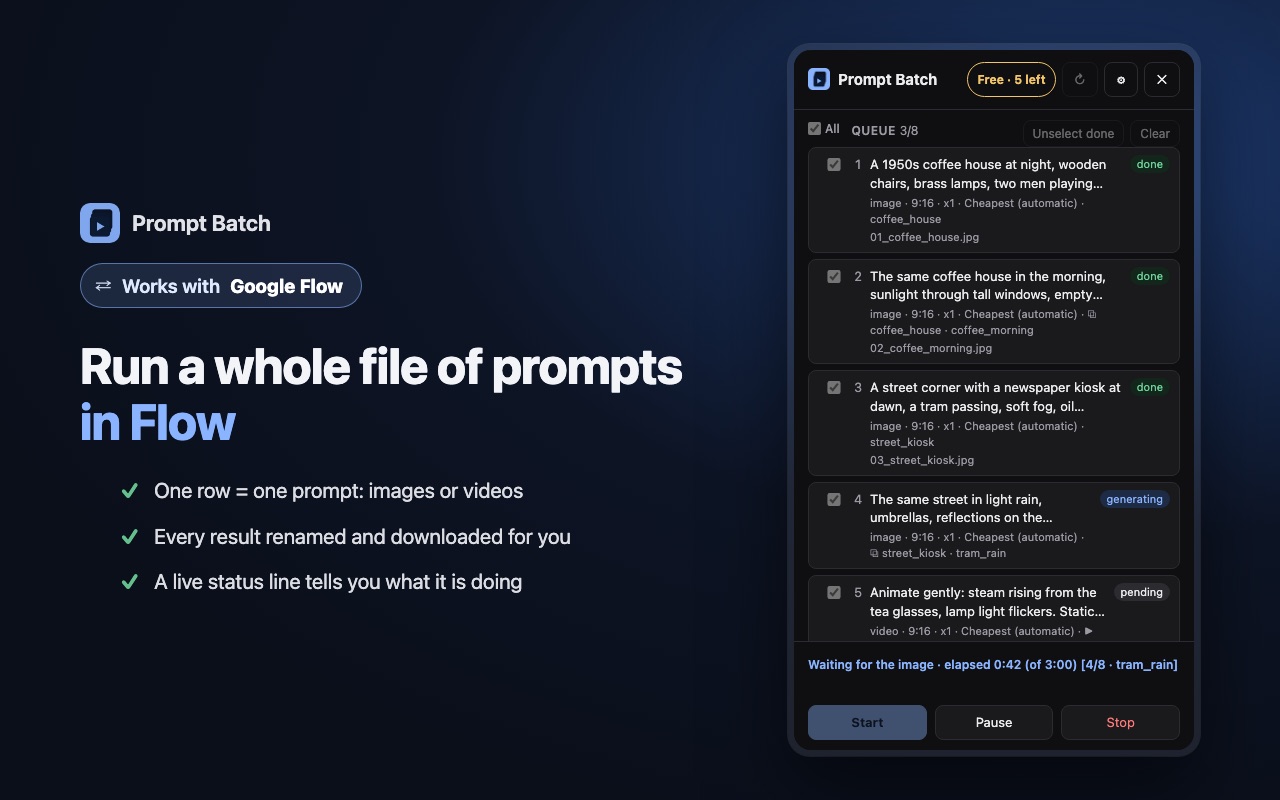
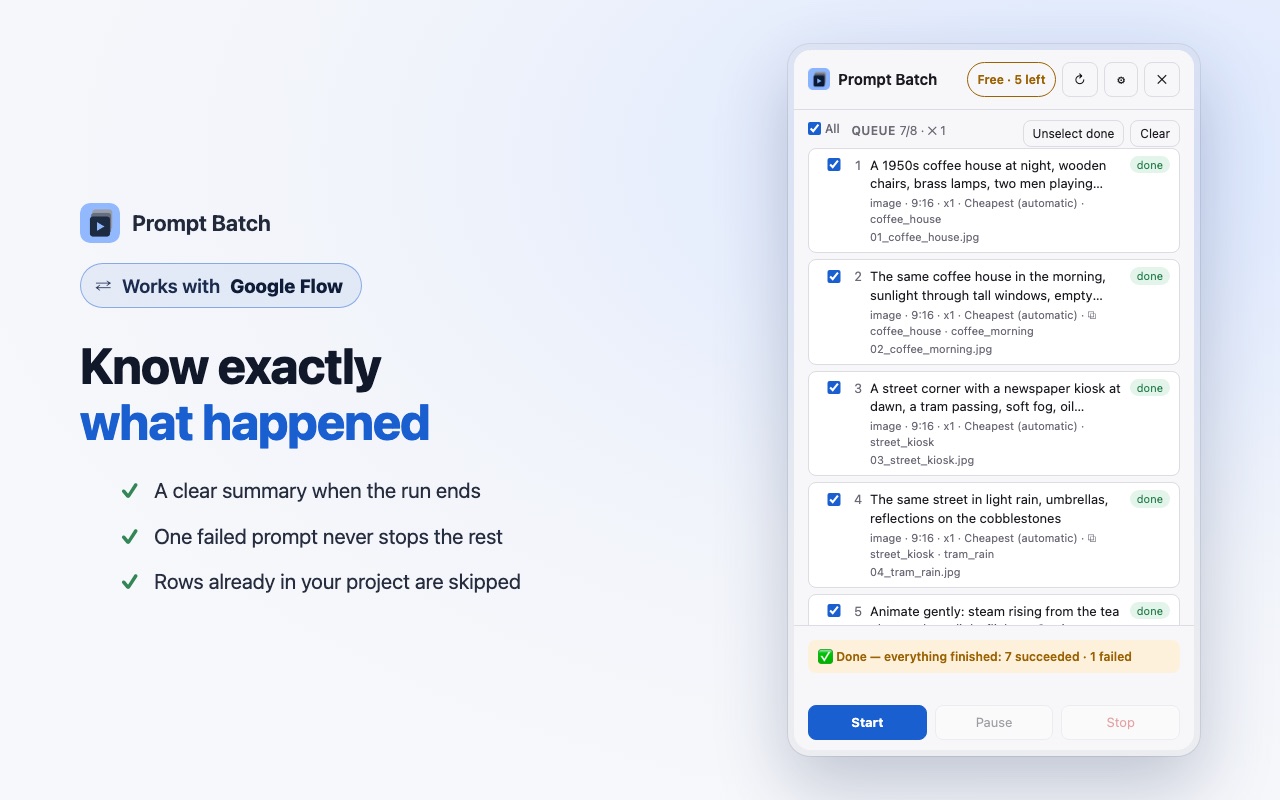
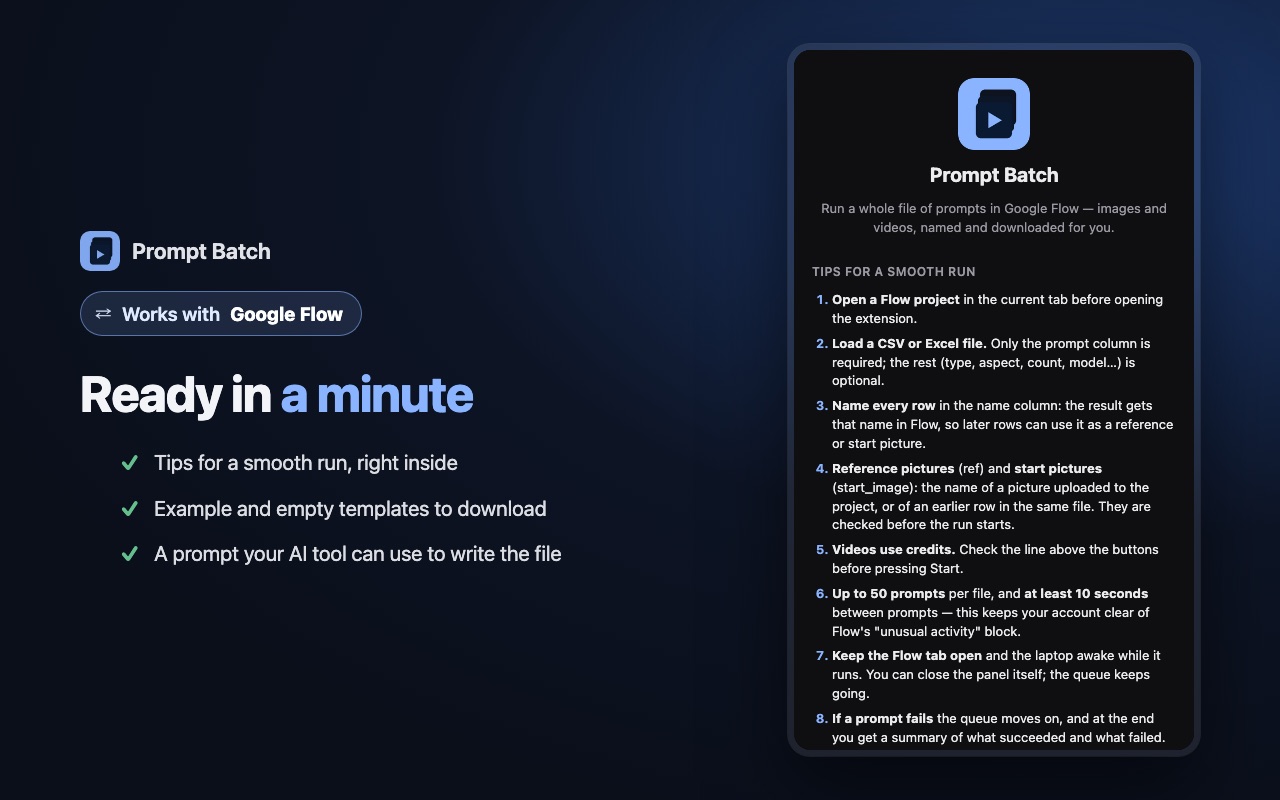
Prompt Batch is a Chrome extension that runs a list of prompts, which you load yourself, in the Google Flow project you have open, and downloads the results. This policy explains what the extension does with information. In short: it collects nothing, has no server, and sends nothing to us. The only thing it ever sends outside Flow is a Pro licence key, if you buy one, to the licence service that checks it. It also downloads our public price list, without sending anything about you.
Information we collect
None. Prompt Batch does not collect, record or transmit any personal information, browsing history, usage statistics or analytics. We have no server and no account system, so there is nowhere for your data to go.
Pro licence check
Prompt Batch is free for the first 5 results. After that, a Pro licence (monthly or one-time lifetime) can be bought from our seller, Freemius, our merchant of record, which handles the payment and your email address under its own privacy policy. When you paste your licence key in the extension, it sends only the key, a random 32-character id for this computer made by the extension, the extension version, and a label for this computer (the system name, a random 4-character code made by the extension, and the date, for example "Mac · 7F3A · 16 Oct 2026") to Freemius' licence service (api.freemius.com) to check it, and checks it again from time to time: when the panel opens (at most every 6 hours), when you start a run, and when you open the Pro screen. Nothing about your prompts, files, Flow projects or browsing is sent. If you never enter a key, the extension makes no such request. Separately, when the panel or the Pro screen opens, the extension downloads our public price list (getmansify.github.io/prompt-batch/prices.json) to show current prices; nothing about you is sent with it.
Information stored on your computer
To keep your work between sessions, the extension saves the following in Chrome's local extension storage, on your own computer only:
- the prompts and settings of the file you loaded, the file's name, and the status of each row;
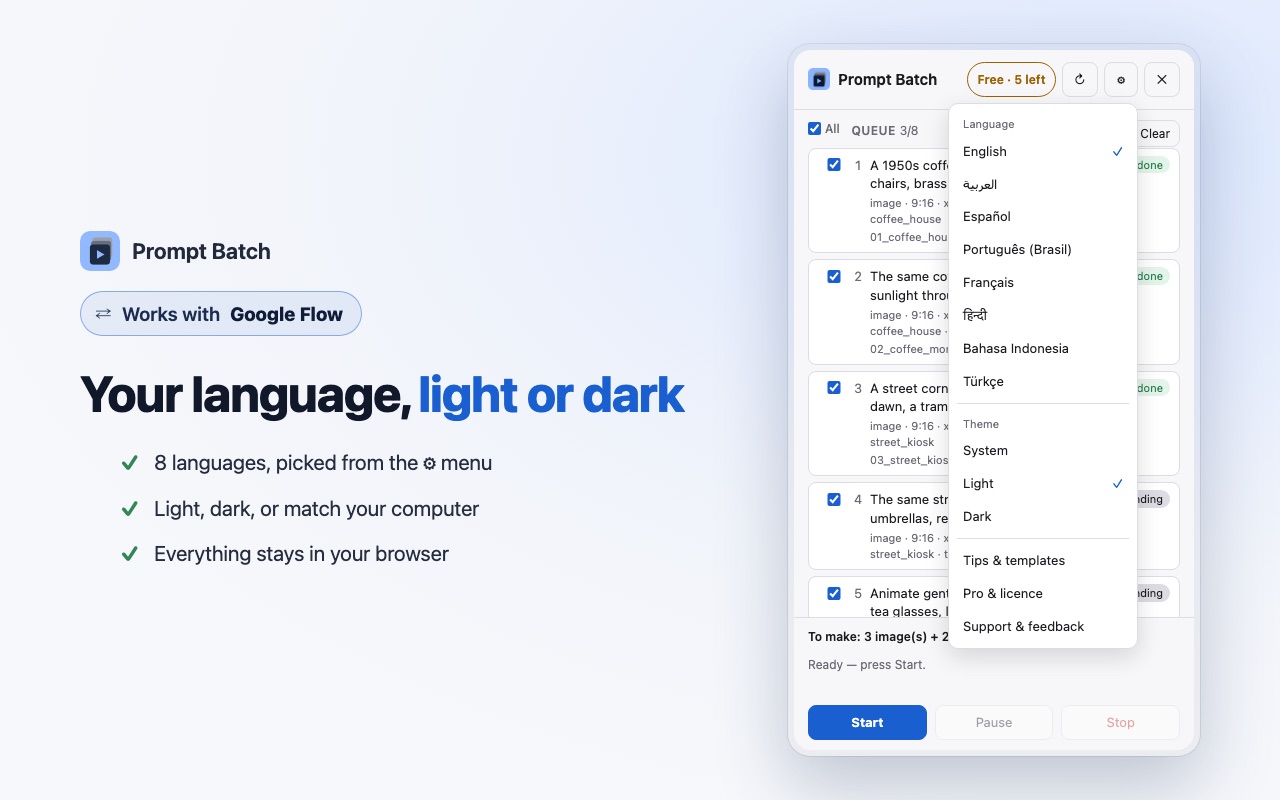
- your choices: language, theme, download folder and quality, waiting times, and whether to show the welcome screen;
- the list of Flow models and their credit prices, read from the Flow page;
- the last price list downloaded from our site, so prices still show without a connection;
- how many free results have been made on this computer, and your Pro licence key with the activation details returned by the licence check and the random device codes, if you activate one. These items are also kept in Chrome's own sync storage, so they follow your Chrome account to your other computers and survive a reinstall. Chrome syncs them through your Google account like your other Chrome settings; they are never sent to us.
Apart from the licence check described above, this information never leaves your browser. You can delete it at any time with the "Clear" or "Remove file" buttons, or by removing the extension.
How the extension works with Google Flow
- The extension only works on
flow.google.comandlabs.googlepages, in the account you are already signed in to. It types your prompts, presses the buttons and renames the results there, as you would by hand. - Your prompts, uploaded pictures and generated results are handled by Google under Google's Privacy Policy and Terms of Service, exactly as when you use Flow without the extension. Prompt Batch has no access to your Google password or account settings.
- Downloads are saved by Chrome to the folder you choose in your Downloads folder.
Permissions
- Side panel: shows the extension's interface next to the Flow tab.
- Storage: keeps the information listed above on your computer.
- Downloads: saves each result with the name of its row.
- Tabs and scripting: find the Flow tab you have open and add the extension's script to it.
- Access to api.freemius.com: checks a Pro licence key you entered, as described above.
- Debugger: Flow's Generate button does not react to script events, so during a run you started, the extension sends real mouse clicks and Enter presses to the Flow tab. It is used only on Flow tabs, only to send input, and reads nothing through it. Chrome shows a notice while it is in use.
Sharing and selling
We do not sell, share, rent or transfer any information, because we do not have any. Our seller receives only what you give it when you buy, and the licence key when it is checked. The extension uses no advertising, no tracking and no remote code.
Children
Prompt Batch is not meant for children. Google Flow itself requires users to be 18 or older.
Changes to this policy
If this policy changes, the new version will be published on this page with a new effective date.
Contact
Questions about this policy: khaledabdelwahab23@gmail.com
Prompt Batch is an independent tool. It is not made, endorsed or supported by Google.